




>>How to setup your Broadband connection?
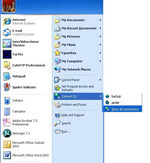
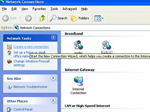
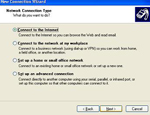
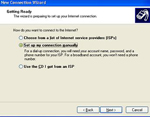
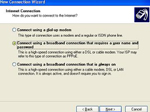
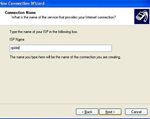
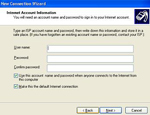
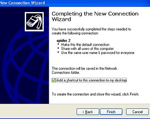
Go to start, connect to, show all connections, a new window appears, click on create new connection, the wizard opens, click next, than choose connect to the internet setup my connection manually, than connect using a broadband that uses a user name and password, next and inside ISP name write SPIDER than next and type your username and password than finish. Your know ready to connect to Spidernet connection.
see example in the bottom
>>How to setup Spidernet SMTP?
Open your mail program and go to the smtp setup, inside smtp type smtp.mnets.netand your know ready to use Spidernet smtp.
 |
 |
 |
 |
 |
 |
 |
 |